
Questions and answers about the client app
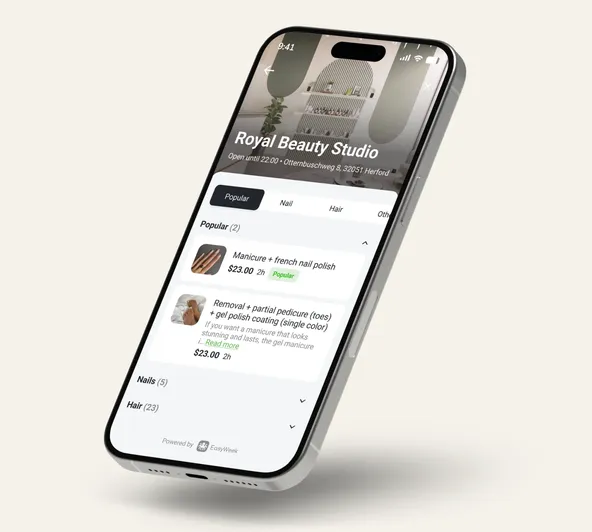
The EasyWeek booking app is a free appointment app for iPhone and Android that lets you find and book appointments online with beauty salons, medical centres, fitness clubs, independent professionals, and more—without calling.
Yes. The EasyWeek client app is a free booking app you can download from the App Store and Play Market. All core features for finding and booking appointments are available completely free.
EasyWeek’s scheduling mobile app on iOS helps you quickly find the right services, check available time slots, book online, get appointment reminders, and manage your reservations anytime—right from your iPhone.
To download the booking app on iPhone, open the App Store on your iPhone or iPad, search for 'EasyWeek', and tap 'Download'. You can also scan the QR code on this page for quick access.
With the EasyWeek appointment app on iPhone, you can book beauty salons, haircuts, manicure, massage, medical consultations, fitness training, dentists, cosmetologists, car service centres, and many other services in your city.
Yes, EasyWeek has a separate app for business owners. The EasyWeek Business reservation app lets you accept bookings, manage your schedule, and track finances. Learn more about the business app.


