
Available on computers and via mobile apps for iPhone, iPad and Android Go to appsGo to apps
CRM for online bookings in a car showroom
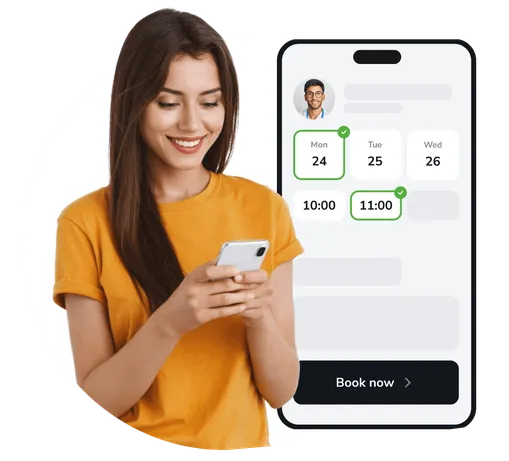
Manage car bookings online
View available dates for test drives
Let customers book cars via social media
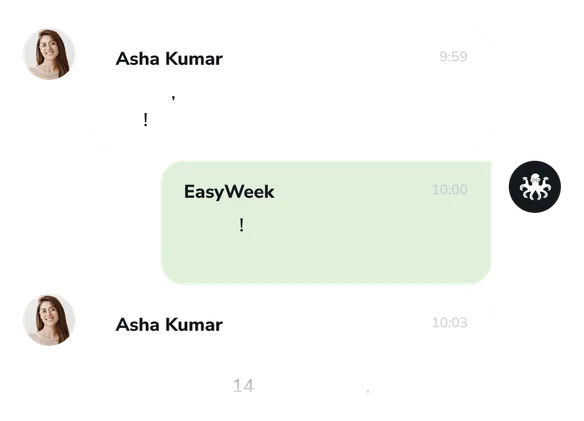
Automatic test-drive reminders for customers
Let customers leave reviews about cars and service
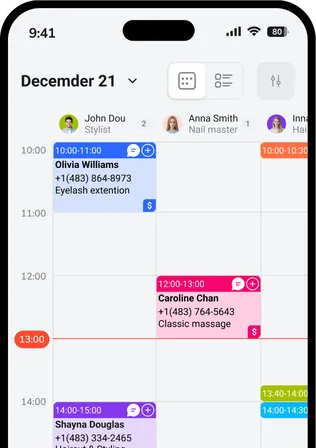
Book and manage bookings from a mobile device

Data security
Your data is processed in line with global security standards, including PCI DSS, SSL and India's DPDP Act.
Payment Card Industry Data Security Standard
Secure data exchange guarantees
Digital Personal Data Protection Act
How does it work?
Use EasyWeek to increase bookings without the hassle.
A few simple steps to set up the booking system
Let your business accept online bookings in different ways
24/7 self-service booking — no clashes or confusion
See how efficiently the system schedules and manages appointments without your involvement
Personal manager to help you set up

We’ll answer any questions
A convenient app for all devices
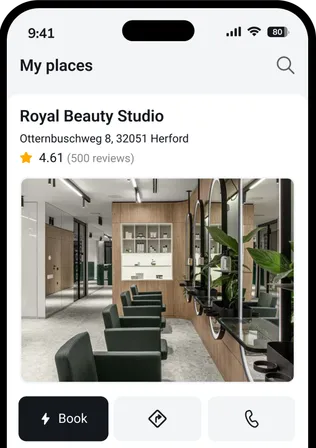
Our system works on smartphones, tablets, and the web version. No additional equipment required.




 Pro
ProJoin companies that trust us
Create your success story with EasyWeek!
Frequently asked questions
Can’t find the answer? Contact our friendly team.
Grow your business potential
Increase conversion rates and improve customer service quality with instant access to all EasyWeek features.